What's new?
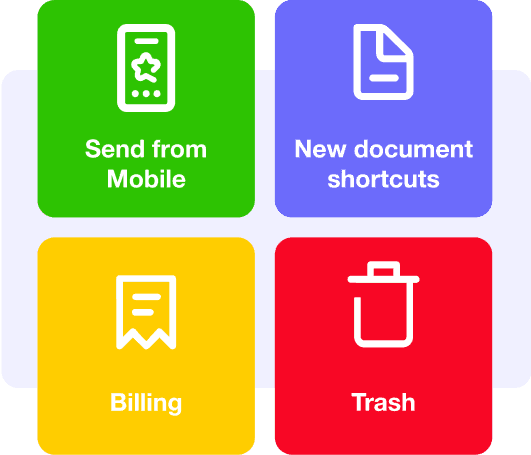
Billling
Signify is rolling out the first phase of payment automation. Introducing our new Billing page, where you can easily manage your subscription plan, receive invoices automatically, and purchase add-ons all in one convenient location!
In the next stage, you'll be able to add your banking card for automatic subscription payments.

Bulk Sign
If you have many documents to sign, the Bulk Sign feature simplifies your task.
Simply select multiple documents and sign them all with just one click.

Sending from mobile
Using Signify on your smartphone is now incredibly convenient.
You can effortlessly upload documents directly from your mobile device, and access templates with ease.

New document shortcuts
We've made initiating a new document even faster with the addition of a drop-down button. Now, you can choose between using a template or creating a new document right from the start.
Plus, we've introduced the Sign Myself feature, providing a shortcut for when you're the sole signer.

Trash
If you accidentally delete a document, fear not!
Deleted documents are now moved to the Trash bin, where they'll be stored for 30 days. You can recover them during this period before they are automatically removed.

Other updates
- With Signify Print, you can easily initiate document signatures on Signify directly from your company's system using the standard print function without the need for extensive integrations.
- If you wish to limit employee access to the Signify system to the office environment, you can now control access based on specific IP addresses.
- Now you can copy documents, templates and forms from one team workspace to another.
- Signify now integrates with Zapier, providing access to connect to more than 6000 aps.
- Signing with ID cards and company stamps is now supported on MacOS.
